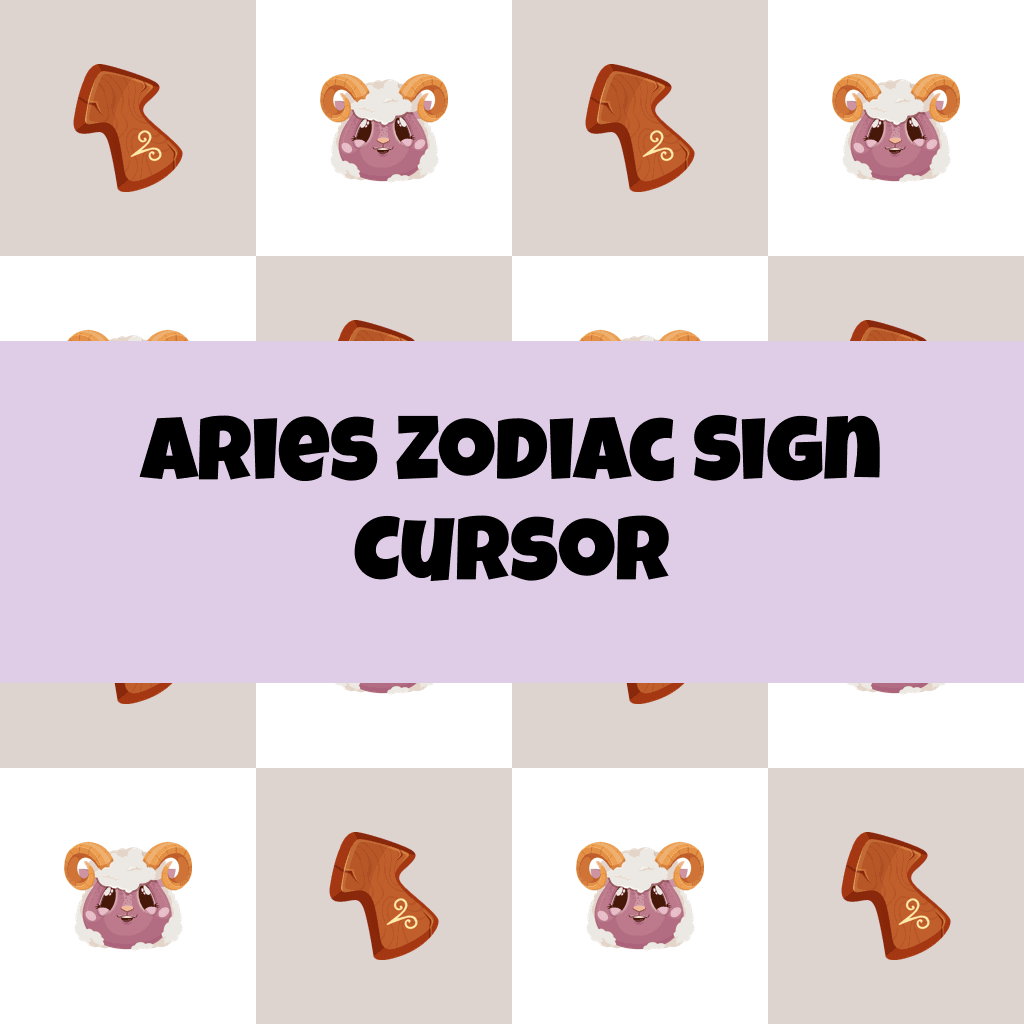
Aries Zodiac Sign Cursor

Aries Zodiac Sign cursor cursor pack
Preview Aries Zodiac Sign cursor custom cursor pack
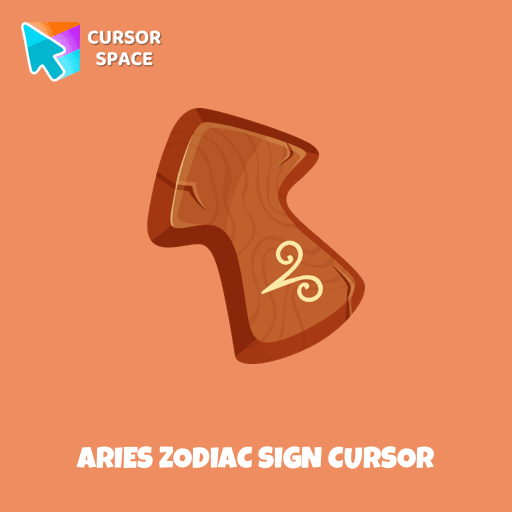
Aries Zodiac Sign cursor arrow cursor
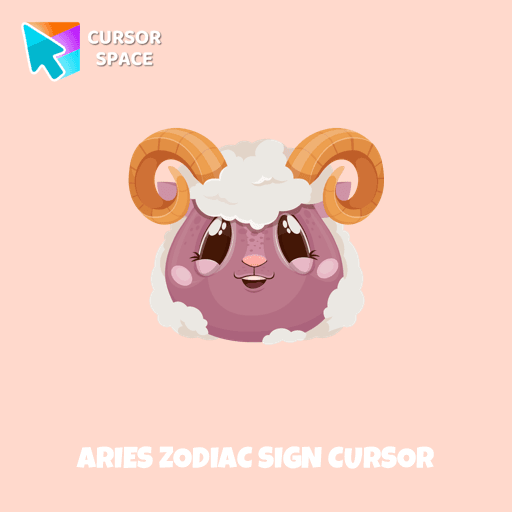
Aries Zodiac Sign cursor pointer cursor

Description

Energetic and optimistic owners of the Aries horoscope sign will love our cute Aries custom cursor and hover for the mouse. Funny designed twelve horoscope cursors in our gorgeous Zodiac Signs custom cursors collection for Chrome.

What's included in the package

  • Default Cursor
  • Pointer (Hand)

How to install a custom cursor pack Aries Zodiac Sign Cursor
  1. Install the Cursor Space extension for Chrome or Cursor Space for Edge in your browser.

  2. On this page, click "Add this cursor pack to the extension".

  3. Open the extension and go to the Packs tab.

  4. Find the custom cursor pack "Aries Zodiac Sign cursor" and click it.

  5. Enjoy!

Ready to install?

Get this cursor pack and thousands of others by installing our extension. It's fast and free!

About this cursor pack

Aries Zodiac Sign Cursor is a themed cursor pack you can add to your browser to personalize your pointer across common cursor states (default and pointer). Use it for everyday browsing, streaming, studying, or gaming-anywhere you want your cursor to match your vibe.

Instant preview

See how the cursors look before installing.

Easy install

Add the pack to the extension in a few clicks.

Works in your browser

Designed for Chrome and Edge via the extension.

FAQ

Quick answers to common questions about cursor packs, collections, and installation.

Do I need an extension?

Yes. To apply cursor packs in Chrome or Edge, install the Cursor Space extension and add this pack to it.

Which browsers are supported?

Cursor packs are designed for Chromium browsers like Chrome and Microsoft Edge.

How do I switch back to the default cursor?

Open the extension, choose another pack or disable the current one to return to your default cursor.

Popular cursors today

Custom cursor and packs - neon, anime, pixel art. Quickly add to Chrome and Microsoft Edge for free

  • TOP 1
    Among Us Space Character cursor

    Among Us Space Character cursor

    (209)
    Free

    Introducing the Among Us Space Character Cursor

  • TOP 2
    Among Us Kakashi Hatake Character cursor

    Among Us Kakashi Hatake Character cursor

    (269)
    Free

    Introducing the Cute Among Us Kakashi Hatake Character Cursor: A Perfect Blend of Two Favorites!

  • TOP 3
    Sushi Texture cursor

    Sushi Texture cursor

    (220)
    Free

    Immerse yourself in Japanese culinary art with the Sushi Texture custom cursor for Google Chrome and elevate your browsing experience with style.

  • Zombie red hand cursor

    Zombie red hand cursor

    (30)
    Free

    Enhance your browsing with the Zombie Red Hand custom cursor. This unique custom cursor for Google Chrome adds personality and a playful touch to your screen.

  • Water Texture cursor

    Water Texture cursor

    (270)
    Free

    Water is interesting because it can be in different forms. It can be solid like ice, gas like steam, and even turned into a special cursor for your mouse.

  • Super Mushroom Pixel cursor

    Super Mushroom Pixel cursor

    (209)
    Free

    Cute custom cursor with Super Mario includes a mouse cursor in the form of super mushroom and a hover pointer with the star.

  • Christmas Deer cursor

    Christmas Deer cursor

    (37)
    Free

    We have designed the Christmas Deer cursor for the mouse and pointer in a familiar style, enhanced with a New Year's theme.

  • Brave Astronaut cursor

    Brave Astronaut cursor

    (23)
    Free

    The well-designed Astronaut custom mouse cursor from our collection of custom space fiction mouse cursors.

  • Among Us Pokemon Character cursor

    Among Us Pokemon Character cursor

    (263)
    Free

    Add a touch of fun to your browsing with a custom cursor for Google Chrome featuring vibrant orange Pokémon characters like Charmander and Infernape.

  • Walt Disney cursor

    Walt Disney cursor

    (21)
    Free

    Experience the magic of Disney with this custom cursor for Google Chrome. Celebrate iconic characters that bring joy and enchantment to your browsing.

  • The Mandalorian cursor

    The Mandalorian cursor

    (94)
    Free

    Show your love for The Mandalorian with our custom cursor. Enjoy the iconic bounty hunter in a custom cursor for Google Chrome, adding style to your browsing.

  • Contemporary cursor

    Contemporary cursor

    (23)
    Free

    Enhance your desktop with our Contemporary Cursor Pack, showcasing modern custom cursor designs. Personalize your experience with a sleek and unique style.

Collection hits

Installation leaders from "Zodiac Signs": free packs, neon/anime/pixel art, quick add to Chrome and Edge.

  • TOP 1
    Aquarius Zodiac Sign cursor

    Aquarius Zodiac Sign cursor

    (13)
    Free

    Independent and original owners of the Aquarius horoscope sign will love our cute Aquarius custom cursor and hover for the mouse. Funny designed twelve horoscope cursors in our gorgeous Zodiac Signs custom cursors collection for Chrome.

  • TOP 2
    Taurus Zodiac Sign cursor

    Taurus Zodiac Sign cursor

    (10)
    Free

    Responsive and reliable owners of the Taurus horoscope sign will love our cute Taurus custom cursor and hover for the mouse.

  • TOP 3
    Gemini Zodiac Sign cursor

    Gemini Zodiac Sign cursor

    (9)
    Free

    Gentle and optimistic owners of the Gemini horoscope sign will love our cute Gemini custom cursor and hover for the mouse.

Install Cursor Space - A Collection of Custom Cursors for Chrome & Edge

Add packs instantly and unlock access to thousands of cursors: neon, anime, pixel-art, and more. Fast, safe, and free.

  • Free cursor packs
  • HD/HiDPI & animated icons
  • Quick browser installation

Cursor Space is an extension for changing your mouse cursor in Chrome and Edge browsers: themed collections, HiDPI icons, neon, animated, and pixel cursors, with quick installation.

Install Extension

To use packs with one click, you need our free browser extension. Install it and come back!